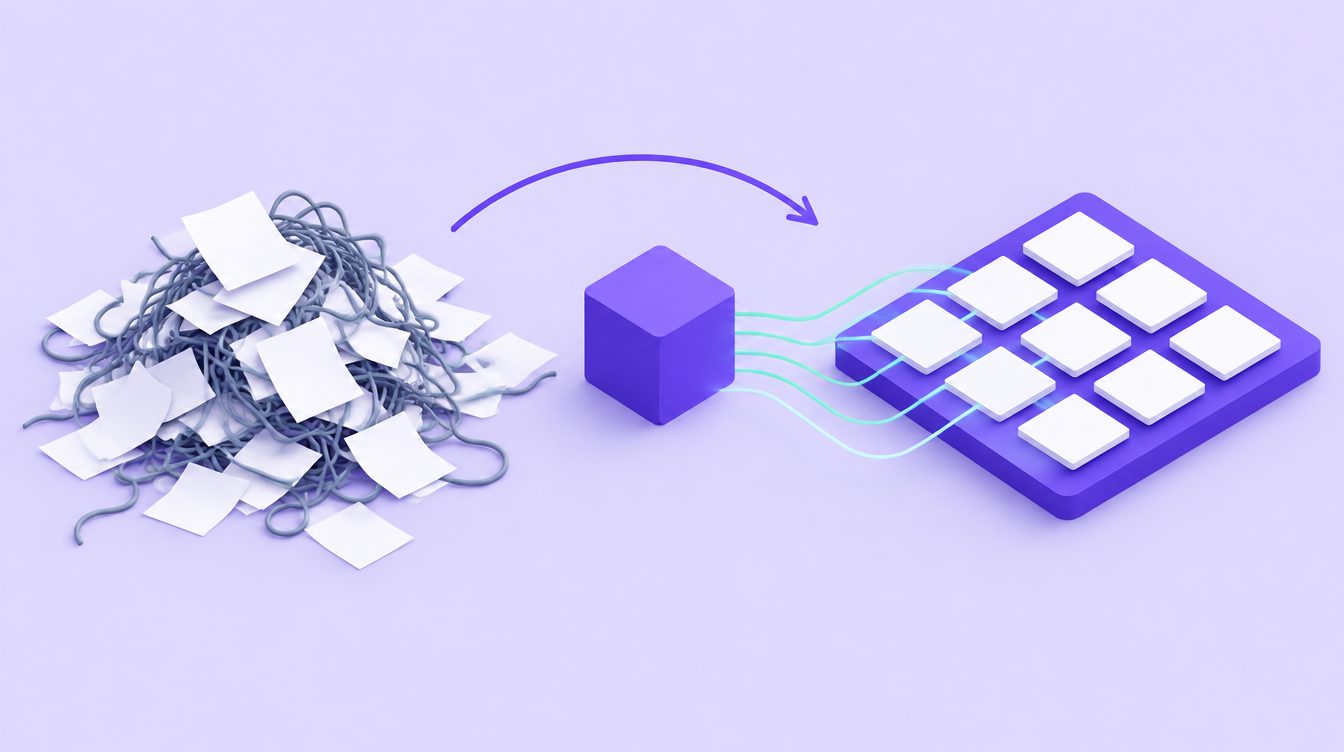
Building a Modern QMS: From SharePoint Chaos to AI-Powered Compliance
Quality management systems moved from binders to shared drives, and then to SharePoint. For many teams that last step created a new problem: hundreds of folders, broken links, copies of copies, and approval workflows held together by email. Storage was solved, but running the system was not. This article explains why modern QMS software is replacing generic document sites, especially now that ISO 9001:2026 asks for more joined-up evidence.
Why SharePoint struggles as a QMS
SharePoint is excellent at storing and sharing files. ISO 9001 asks for more than that: it asks you to run processes and prove they work. Typical pain points:
- Version sprawl: local copies and email attachments live outside the controlled library.
- Disconnected records: nonconformities, audit findings, risks and training sit in separate lists with no links between them.
- Manual follow-up: corrective action deadlines and effectiveness checks depend on someone remembering.
- Weak evidence: showing an auditor why a procedure changed, who approved it and who was told takes hours of searching.
What ISO 9001:2026 adds to the pressure
ISO 9001:2026, published in September 2026, raises the bar on connected evidence:
- Risks and opportunities are separate (6.1.2 and 6.1.3), each with planned actions and an effectiveness evaluation that must appear in analysis (9.1.3) and management review (9.3.2).
- Planned changes (6.3) must consider communication, effectiveness monitoring and review of results.
- Quality culture and ethical behaviour must be promoted by leadership (5.1.1 i) and understood by staff (7.3 e).
- Context now includes a climate change determination (4.1) and a decision on which interested party requirements the QMS addresses (4.2 c).
Each of these is easy to describe in a document and hard to evidence across disconnected lists. See our ISO 9001:2026 guide for the full change list.
What defines modern QMS software
A modern QMS connects processes instead of storing files. When something happens in one place, the rest of the system knows.
Document control that drives action
Approval workflows, automatic versioning and read-and-acknowledge notifications mean a revised procedure reaches the people who use it, with evidence that it did. ISO document control software also protects completed records from alteration, which clause 7.5.3 requires.
CAPA as a closed loop
Clause 10.2 requires you to react, find causes, check for similar problems, review effectiveness and update risks and opportunities. In CAPA management software each step is a tracked task with owners, deadlines and links to the documents and risks it changes.
Audits that feed improvement
Internal audits under clause 9.2 need a programme, impartial auditors and timely action on findings. ISO audit software provides checklists against current clauses, mobile evidence capture and findings that turn straight into corrective actions.
Risk and opportunity registers that stay alive
Linking risks and opportunities to processes, objectives, nonconformities and management review makes their effectiveness visible, rather than leaving a register that is updated once a year.
Where AI genuinely helps
AI is useful in a QMS when it saves expert time on work that is repetitive or analytical:
- Drafting: first drafts of procedures, policies, risk descriptions and audit checklists mapped to specific clauses, which a competent person then reviews and approves.
- Classification: sorting imported documents into the right place in the QMS during a migration.
- Analysis: spotting recurring causes across nonconformities and complaints that are easy to miss one record at a time.
- Answers: explaining what a clause requires in plain language when a team member is unsure.
AI does not replace accountability. Top management remains accountable for the effectiveness of the QMS (5.1.1 l), and Annex A of the 2026 edition notes that where technologies support QMS management, confidence depends on reliable information and clear responsibility for decisions.
Migrating from SharePoint without losing control
Step 1: Inventory and clean up
List what is controlled, what is a record and what is obsolete. Migration is the right moment to archive superseded documents rather than carry them across.
Step 2: Map to processes, not folders
Organize by your QMS processes and the clauses they satisfy so documents, records and owners line up.
Step 3: Preserve history
Keep revision numbers, approval dates and retention periods. Records kept as evidence must remain protected from alteration after the move.
Step 4: Rebuild workflows deliberately
Do not digitize a broken process. Redesign approvals, change requests and incident reporting so they match how work happens, and treat the move itself as a planned change under 6.3.
Step 5: Make it easy to use
A QMS only works if people use it. Mobile access, simple forms and clear notifications matter more than feature count.
The business case
The return comes from less time chasing signatures and updates, faster audits, fewer repeat nonconformities and a system that is always ready to show a customer or auditor. For many SMBs it also means passing an ISO 9001:2026 transition audit without a large manual evidence-gathering project.
Frequently asked questions
How is a QMS different from a document management system?
A document management system stores and versions files. A QMS connects documents to audits, corrective actions, risks, opportunities, training and management review, so documents drive actions and actions update documents.
Can we migrate SharePoint content into SmartISO?
Yes. SmartISO includes bulk document import that classifies documents and files them into the right place, so you can bring existing procedures and records across and then control them inside the system.
Does ISO 9001 require QMS software?
No. The standard is technology-neutral and specifies outcomes, not tools. Software becomes the efficient option as the number of documents, actions and audits grows.
Is AI-assisted compliance secure?
Ask any vendor how data is encrypted, where it is hosted, who can access it and whether your content is used to train models. SmartISO encrypts data in transit and at rest and uses role-based access so each user sees only what their role allows.
Conclusion
SharePoint solved storage. ISO 9001:2026 asks for a system that connects context, risks, opportunities, changes, audits and corrective actions, and shows they work. ISO 9001 software built for that job lets your team spend time on improvement instead of administration.